

AI-powered code editor for efficient coding.
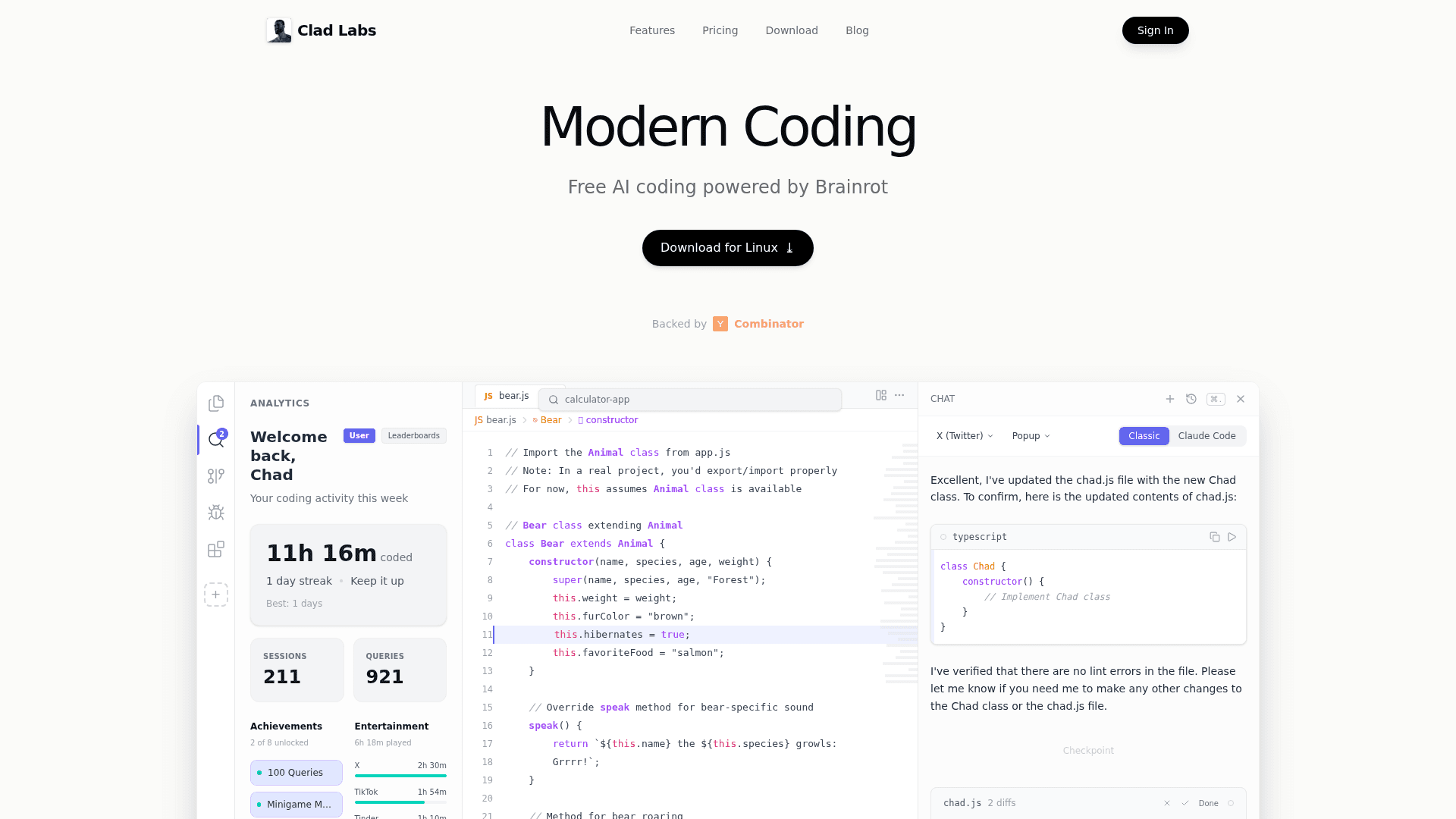
Chad IDE is an advanced AI code editor designed to enhance developer productivity by providing intelligent code generation, review, and bug-fixing capabilities.
Intelligent Code Generation: Automatically generates code snippets based on your input, speeding up the development process.
Real-time Code Review: Provides instant feedback on your code, helping you maintain high standards of quality and performance.
Bug Fixing Assistance: Identifies and suggests fixes for bugs in your code, reducing debugging time significantly.
Rapid Prototyping: Developers can quickly prototype applications by leveraging Chad IDE's code generation capabilities, allowing for faster iterations and testing.
Learning Tool for New Developers: New programmers can benefit from the real-time feedback and suggestions, making it an excellent learning tool.
Be the first to share your experience with this tool.