
Mouse Shaker logo

Mouse Shaker

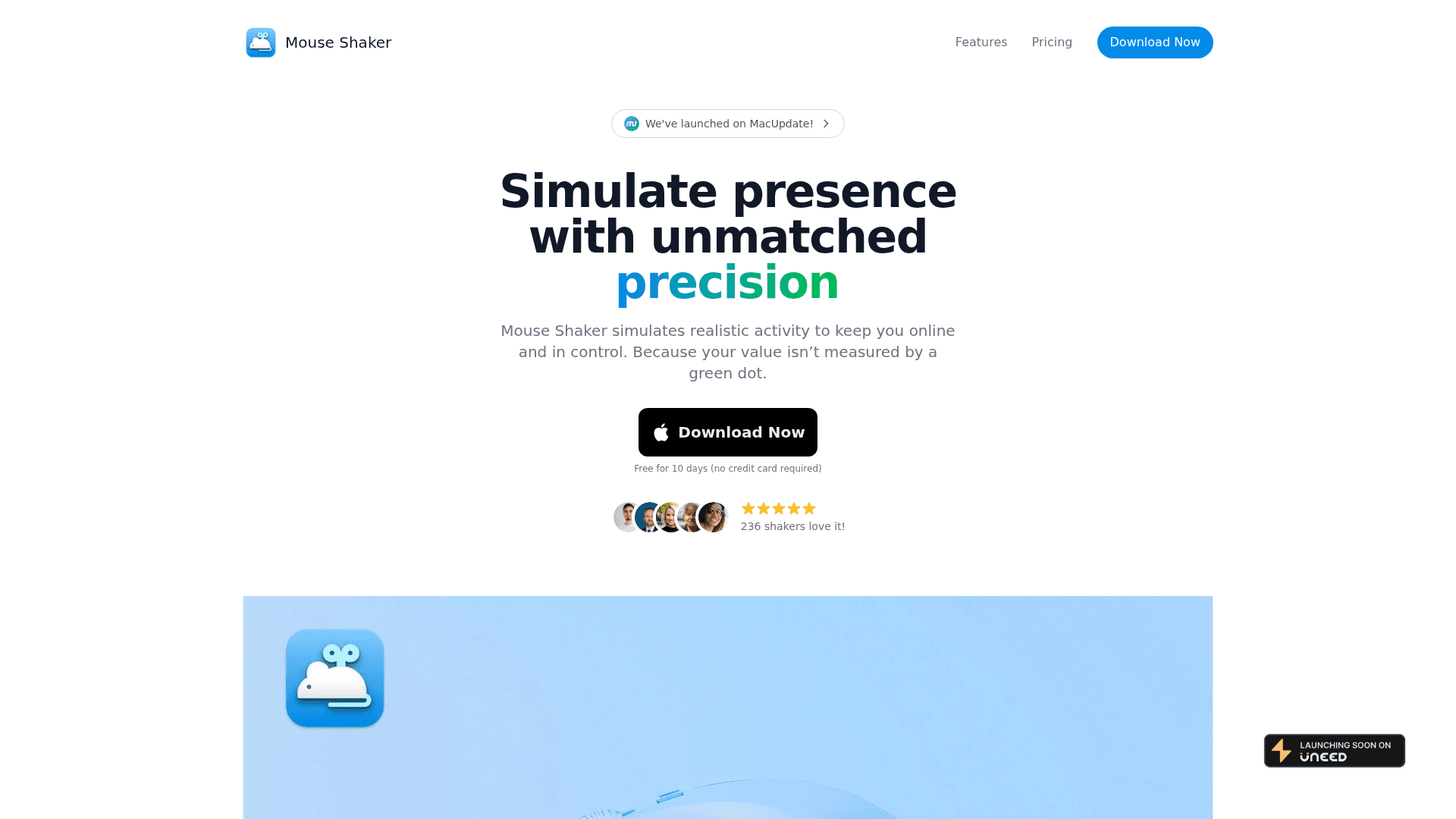
Keep your online status active on messaging apps effortlessly.
Overview
Reviews
Mouse Shaker

Introduction

The Mouse Shaker is a unique productivity tool designed to help users maintain their online presence on messaging applications without the need for constant manual interaction. This innovative solution is particularly useful for professionals who need to appear active while managing multiple tasks or working on projects that require deep focus.

Key Features

  • Activity Simulation: The Mouse Shaker simulates mouse movements, ensuring that your status remains 'active' on various messaging platforms.
  • Customizable Settings: Users can adjust the frequency and type of simulated movements to suit their preferences and avoid detection.
  • User-Friendly Interface: The application features an intuitive interface that makes it easy to set up and use, even for those who may not be tech-savvy.
  • Compatibility: Works seamlessly with popular messaging apps, ensuring that you stay connected without interruptions.

Use Cases

  • Remote Work: Ideal for remote workers who need to maintain communication with their teams while focusing on complex tasks.
  • Freelancers: Freelancers can use the Mouse Shaker to stay 'online' for potential clients while working on projects.
  • Students: Students can utilize this tool to keep their status active during study sessions or online classes.

Target Audience

The Mouse Shaker is perfect for:

  • Professionals: Individuals working in corporate environments who need to manage their online presence.
  • Freelancers: Those who work independently and want to ensure they are reachable.
  • Students: Learners who need to balance online classes with study time.

Advantages

  • Increased Productivity: By simulating activity, users can focus on their work without the distraction of constantly checking their messaging apps.
  • Enhanced Communication: Stay connected with colleagues and clients without the fear of appearing inactive.
  • Time-Saving: Reduces the need for manual interaction with messaging apps, allowing users to allocate their time more effectively.

Category

Tags

Focus Tools
Task Management
Workflow Automation

Added Date

12/2/2025

Rating

N/A

Pricing

Freemium

Reviews

Reviews (0)

No reviews yet

Be the first to share your experience with this tool.