
Side Space 2.0 logo

Side Space 2.0

Enhance your browsing experience with AI-powered tab management.
Overview
Reviews
Side Space 2.0

Introduction

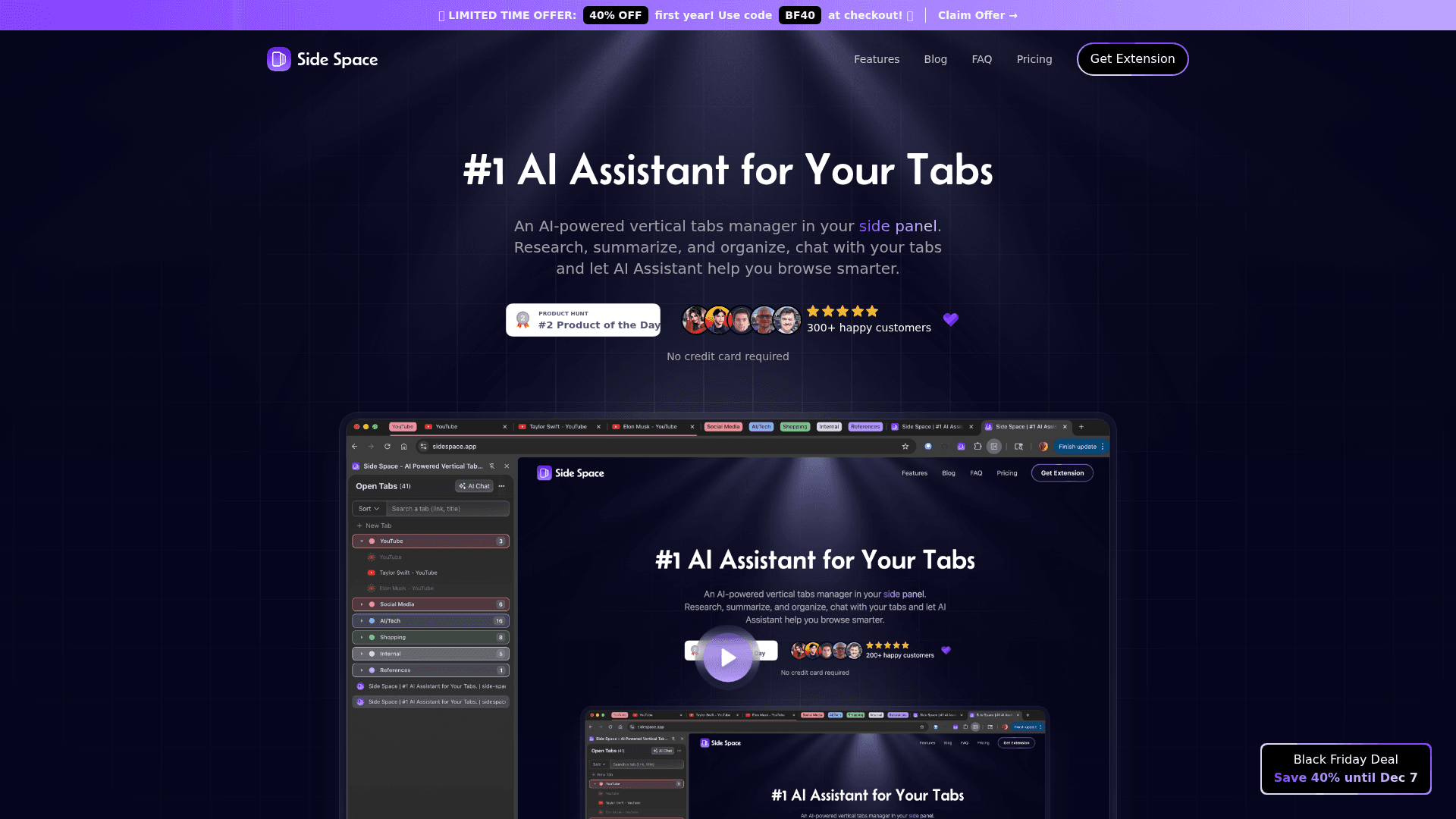
Side Space 2.0 is the ultimate AI assistant designed to optimize your browsing experience by managing your tabs effectively. In today's fast-paced digital world, managing multiple tabs can be overwhelming, leading to decreased productivity and increased frustration. Side Space 2.0 aims to alleviate these issues by providing intelligent solutions that streamline your workflow.

Key Features

  • Tab Organization: Automatically categorize and group your tabs based on your browsing habits and preferences, making it easier to find what you need.
  • Smart Suggestions: Receive AI-driven recommendations for relevant content and resources based on your current tabs, enhancing your research and productivity.
  • Session Management: Save and restore your browsing sessions effortlessly, allowing you to pick up where you left off without losing any progress.
  • Focus Mode: Activate a distraction-free environment by temporarily hiding non-essential tabs, helping you concentrate on your current task.
  • Cross-Device Syncing: Access your tabs and sessions across multiple devices, ensuring a seamless browsing experience whether you're at home or on the go.

Use Cases

  • Students: Manage research tabs efficiently while studying for exams or completing assignments, allowing for easy access to resources.
  • Professionals: Organize work-related tabs for projects, meetings, and client communications, improving overall productivity.
  • Researchers: Keep track of multiple sources and references without losing focus, making the research process more manageable.

Target Audience

Side Space 2.0 is ideal for anyone who frequently uses web browsers for work, study, or leisure. This includes:

  • Students and educators looking for efficient ways to manage research and learning materials.
  • Professionals in various industries who need to juggle multiple projects and resources.
  • Casual users who want to enhance their online experience and reduce tab clutter.

Advantages

  • Increased Productivity: By organizing and managing tabs intelligently, users can focus on their tasks without the distraction of cluttered browsers.
  • Time-Saving: Quick access to relevant tabs and resources reduces the time spent searching for information.
  • Enhanced User Experience: The intuitive design and AI-driven features create a user-friendly environment that adapts to individual needs.

Category

Tags

Task Management
Workflow Automation
Email Management

Added Date

12/2/2025

Rating

N/A

Pricing

Freemium

Reviews

Reviews (0)

No reviews yet

Be the first to share your experience with this tool.